How to Customize Wishlist Icon
To customize the global wishlist icon, you need to go to XB Wishlist app -> Features -> Wishlist Icon.
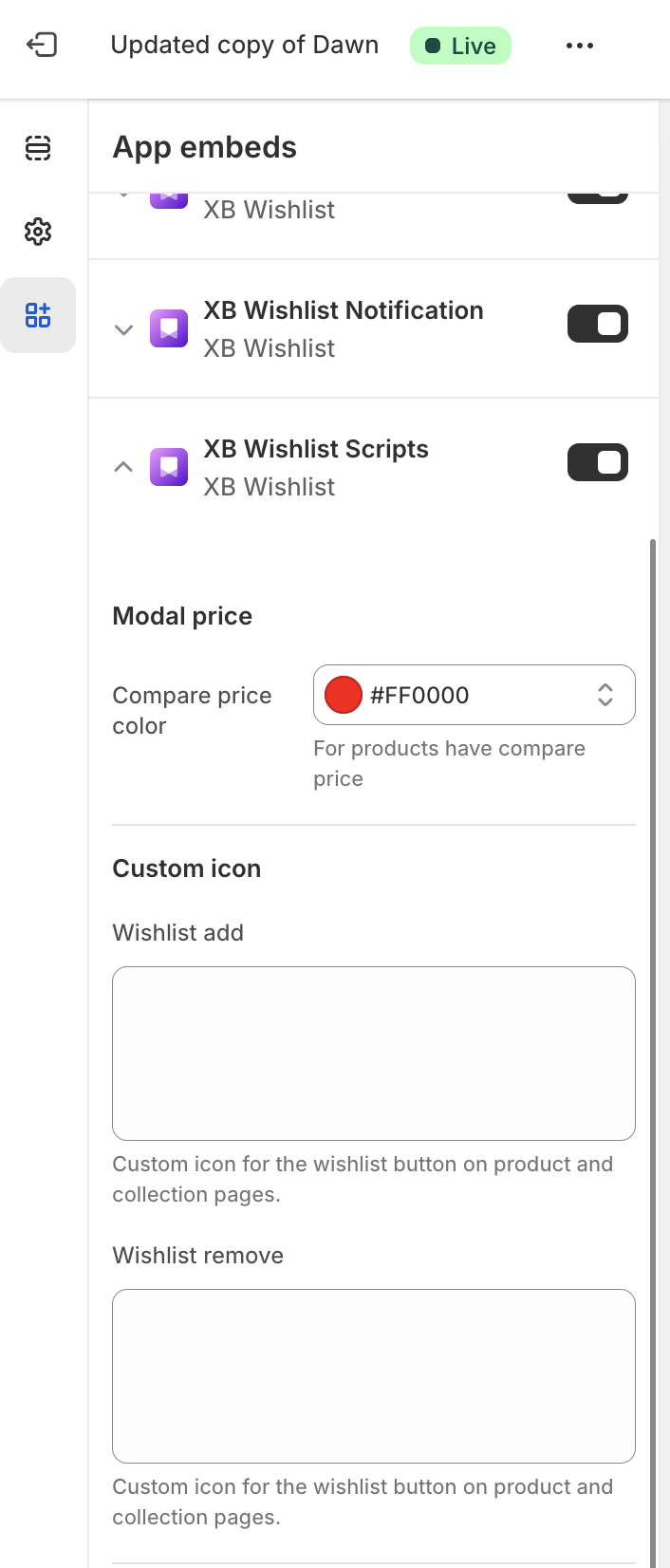
From here, you can see the "Wishlist icon" header, and below you can see "Wishlist add" and "Wishlist remove" options. You need to paste SVG code for each icon.
info
Additionally, most features such as the Header wishlist, Wishlist collection button, or Wishlist button in product page have their own specific settings to override this global icon.